Streamline Your Social Media Workflow with Freelihte Instagram Templates
Let's be honest: maintaining a consistent presence on Instagram often feels like a second full-time job. Whether you are a small business owner trying to showcase new products, a freelancer building a personal brand, or an educator sharing quick tips, the pressure to produce high-quality visuals daily is real. You know your content needs to look professional to gain trust, but you likely don't have hours to spend designing every single post from scratch. This is where Freelihte Instagram Templates come into play, offering a practical bridge between amateur snapshots and polished graphic design.
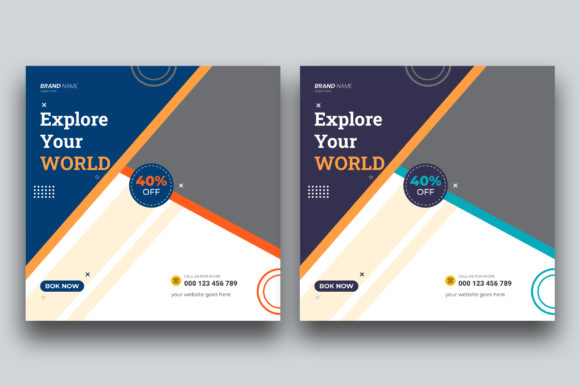
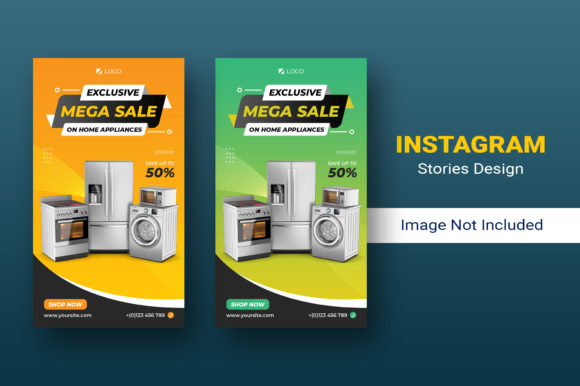
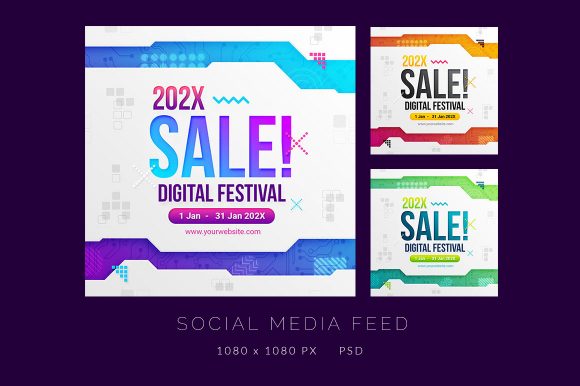
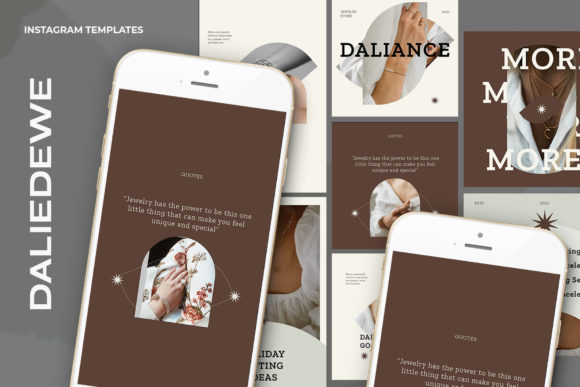
These templates are not just pre-made images; they are fully customizable PSD files designed to integrate seamlessly into your existing workflow. The core value lies in their simplicity and flexibility. Instead of wrestling with complex design software or hiring a designer for every update, you get a structured foundation that respects your time while elevating your aesthetic. The package typically includes high-resolution files ready for immediate use, allowing you to focus on what actually matters: your message and your audience.
Why Smart Objects Change the Game for Non-Designers
The most intimidating part of using Photoshop files for many people is the fear of breaking the layout or messing up the layers. Freelihte addresses this directly by utilizing Smart Objects. This feature is a game-changer because it removes the technical barrier to entry. You do not need to be a Photoshop expert to swap out images effectively.
Here is how the process works in a real-world scenario: Imagine you run a boutique clothing store. You have just received a shipment of summer dresses and need to post about them immediately. With these templates, you simply open the PSD file, locate the image layer within the group, and double-click the layer icon. This action opens a separate window where you can drag and drop your product photo. Once you save that file (Ctrl+S), the main template automatically updates with your image, perfectly scaled and masked within the design frame. It takes seconds, not minutes. This efficiency means you can react to trends or inventory changes instantly without sacrificing visual quality.
Versatility Across Different Professional Niches
One size rarely fits all in the digital landscape, which is why having access to templates that support multiple aspect ratios is crucial. These resources usually come prepared in standard dimensions like 1200 x 1200 pixels for square feed posts and 1920 x 1080 pixels for stories or landscape headers. This versatility allows different types of users to adapt the same design philosophy across various platforms and contexts.
Consider a real estate agent. They need to highlight property features quickly. Using a 1200x1200 template, they can insert high-res photos of a kitchen or living room, edit the text overlay to list key specs like "3 Bed, 2 Bath," and have a listing ready before the open house even starts. The 300 DPI resolution ensures that if they decide to print flyers for the neighborhood, the images remain crisp and professional, not pixelated or blurry.
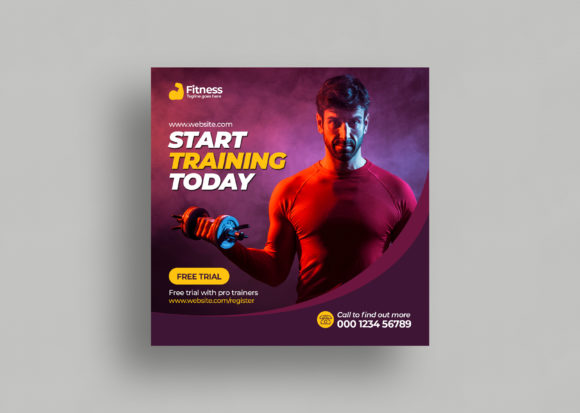
On the other hand, a fitness coach might use the 1920x1080 format to create engaging story slides or YouTube thumbnails. They can overlay motivational quotes or workout schedules on top of action shots. Because the text is fully editable with the text tool, they can change fonts, sizes, and colors to match their specific branding guidelines or the mood of the day. This level of customization ensures that while the structure remains consistent, the content never feels repetitive or robotic.
Practical Scenarios for Everyday Users and Creators
Beyond commercial use, these templates serve everyday creators who want to document their lives or share hobbies with a higher degree of polish. Think of a food blogger who wants to share a new recipe. Instead of posting a raw phone photo, they can place the dish in a stylish frame provided by the template, add a clean typography overlay with the recipe title, and create a cohesive grid on their profile. This consistency helps followers recognize their content instantly as they scroll through their feeds.
Educators and online course creators also benefit significantly. When launching a new module or sharing a student testimonial, visual credibility is key. A well-designed template signals that the educational material is equally well-structured. By simply swapping the student's photo and editing the quote text, an educator can build social proof rapidly. The ability to toggle between RGB color modes ensures that whatever screen a student views it on, the colors appear vibrant and true to life.
Even event planners can utilize these tools for countdowns or vendor spotlights. The "easy to use" nature of the file means that during the chaotic days leading up to an event, the last thing they need to worry about is fighting with software. They can update graphics on the fly, keeping their audience informed and excited without needing a dedicated graphic designer on speed dial.
What to Consider Before You Start
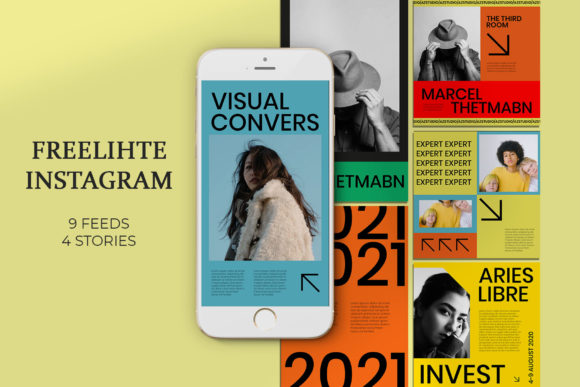
While these templates offer immense value, there are a few practical considerations to keep in mind to ensure you get the best results. First, remember that models are not included in the download. The placeholder images you see in the preview are for demonstration purposes only. You will need to source your own photography. This is actually a benefit, as it forces you to use authentic images of your own products, team, or lifestyle, which resonates better with audiences than generic stock photos.
Secondly, ensure you have access to Adobe Photoshop or a compatible editor that supports PSD files and Smart Objects. While the process is simplified, it does require the software environment to function. If you are strictly a mobile user, you might need to transfer files to a desktop or use a cloud-based Photoshop solution to take full advantage of the Smart Object workflow.
It is also wise to think about your brand identity before diving in. Since all text is editable, take a moment to define your color palette and font preferences. Having this ready will speed up the customization process. You aren't just filling in blanks; you are adapting a framework to tell your specific story. The 300 DPI specification is excellent for print, but for pure digital use, standard screen resolution is sufficient. However, having the higher resolution gives you the flexibility to repurpose content for physical marketing materials later without needing to redesign everything.
Making the Most of Your Design Time
Ultimately, tools like Freelihte Instagram Templates are about reclaiming your time. In the gig economy and the creator landscape, time is your most scarce resource. Every minute saved on formatting an image is a minute you can spend engaging with comments, strategizing your next campaign, or simply taking a break to avoid burnout.
The workflow is designed to be intuitive: open, double-click, replace, save, done. This rhythm allows for batch creation, where you can prepare a week's worth of content in a single sitting. By standardizing your visual output, you build a recognizable brand identity that fosters trust and recognition among your followers. Whether you are selling a service, teaching a skill, or sharing a passion, these templates provide the professional polish needed to stand out in a crowded feed, all while keeping the process accessible and stress-free.